 PDF Maker
Every PDF tool, right in your pocket.
Scan paper documents, turn photos and text into clean PDFs, pull text out of images and merge files in any order — all on your iPhone, with nothing uploaded.
Everything you do with PDFs
Six focused tools, designed to get a clean document out the door in seconds.
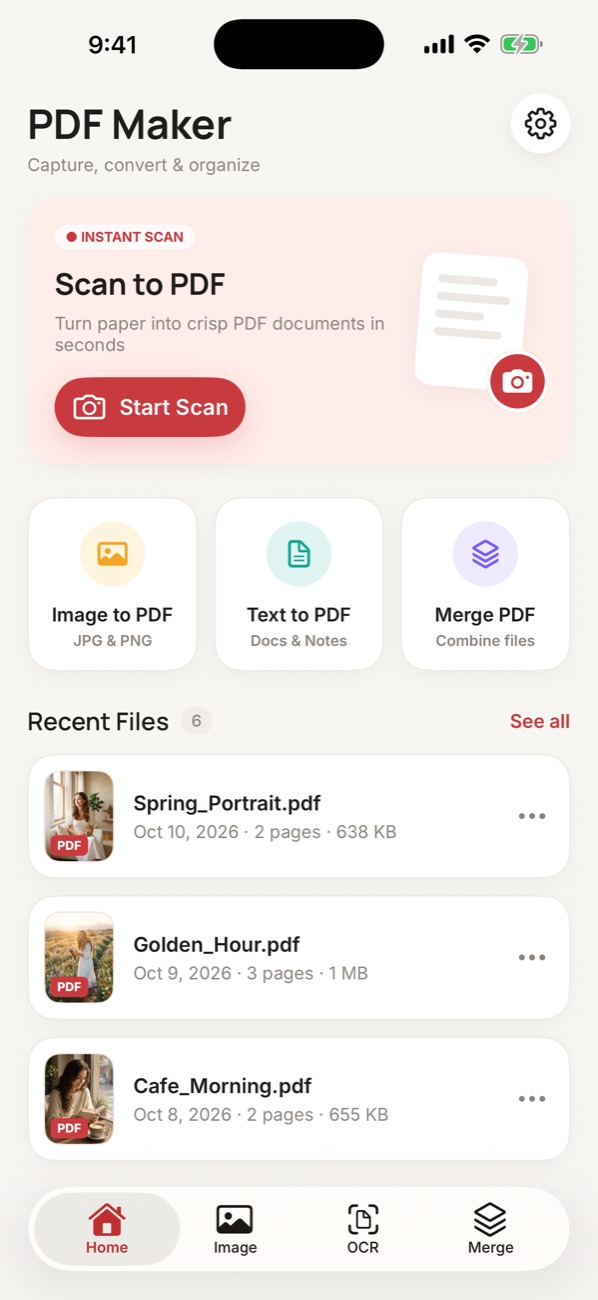
Scan to PDF
Capture paper with automatic edge detection and perspective correction, then save crisp multi-page PDFs.
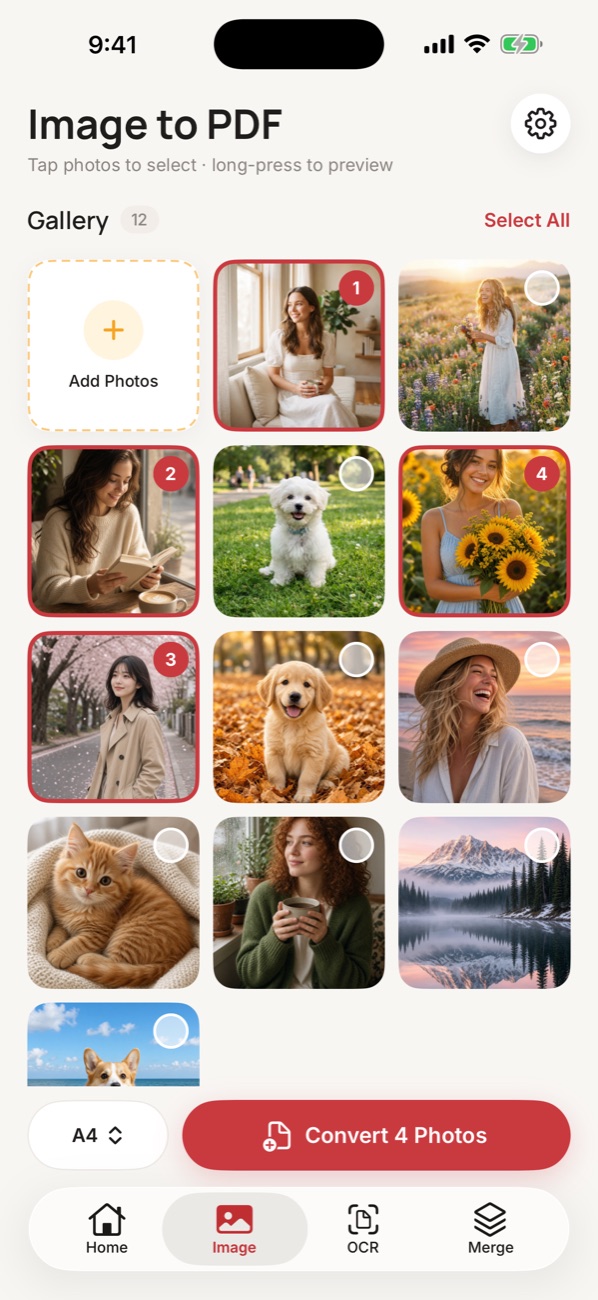
Image to PDF
Pick JPG or PNG photos, set the order, choose A4, Letter, A5 or the original size, and convert in one tap.
Text to PDF
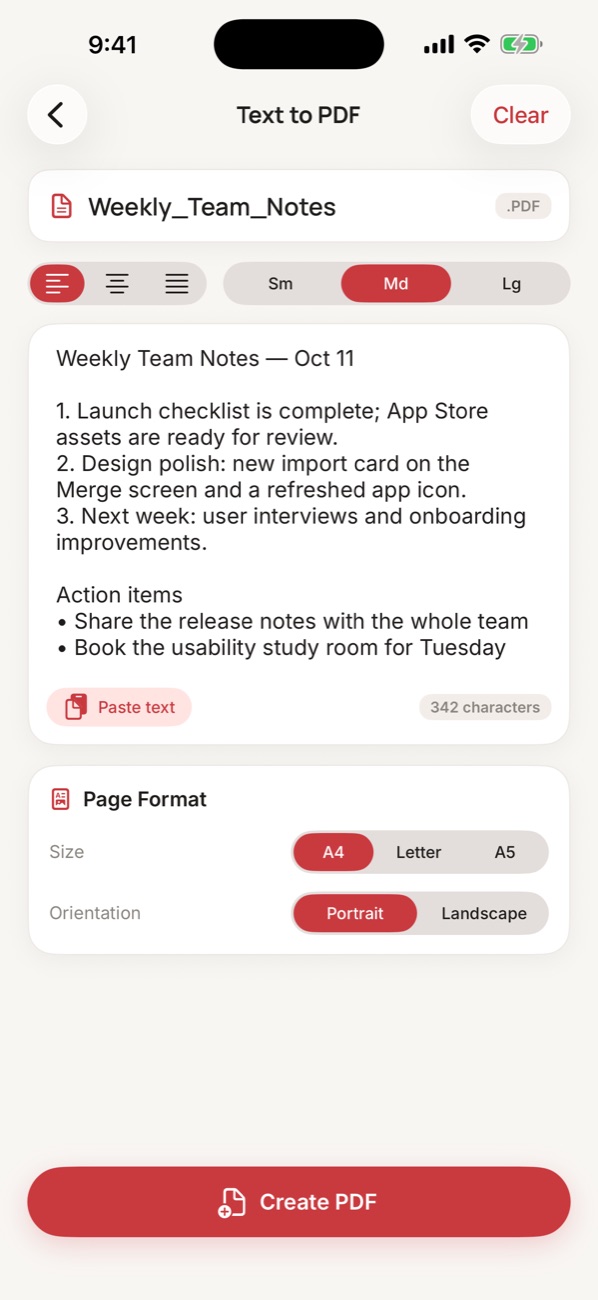
Type or paste notes, pick alignment, font size, page size and orientation, and get a neatly paginated PDF.
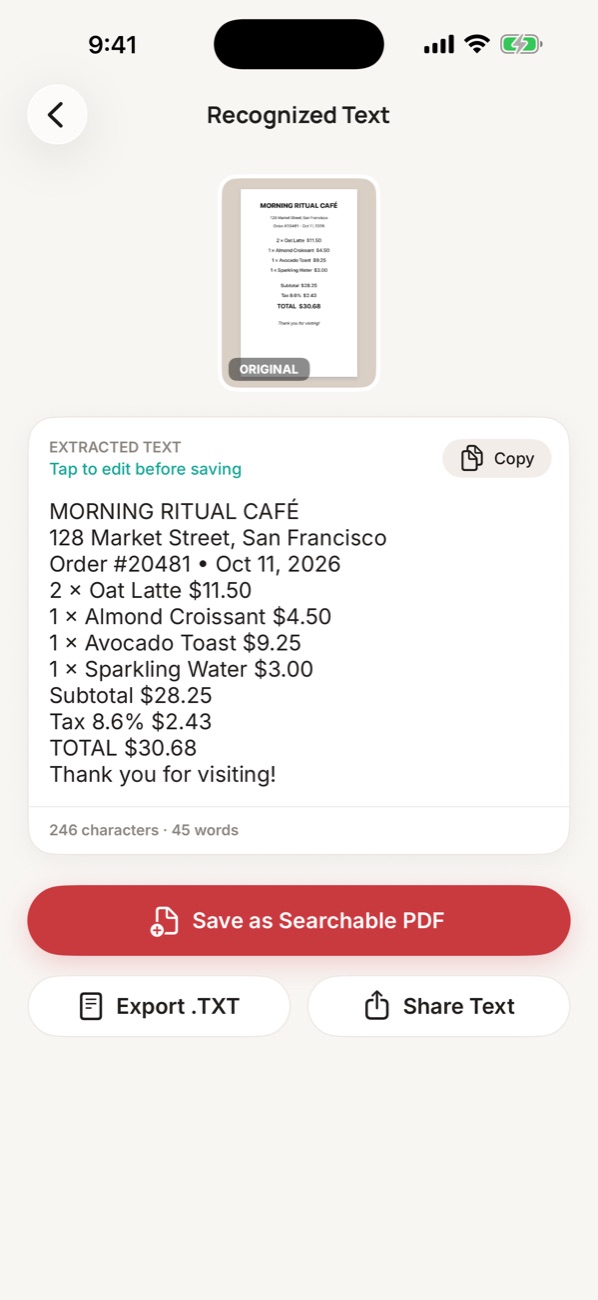
OCR Text
Recognize printed text in photos — including Chinese, Japanese, Korean and major European languages — then copy, export or save it.
Merge PDF
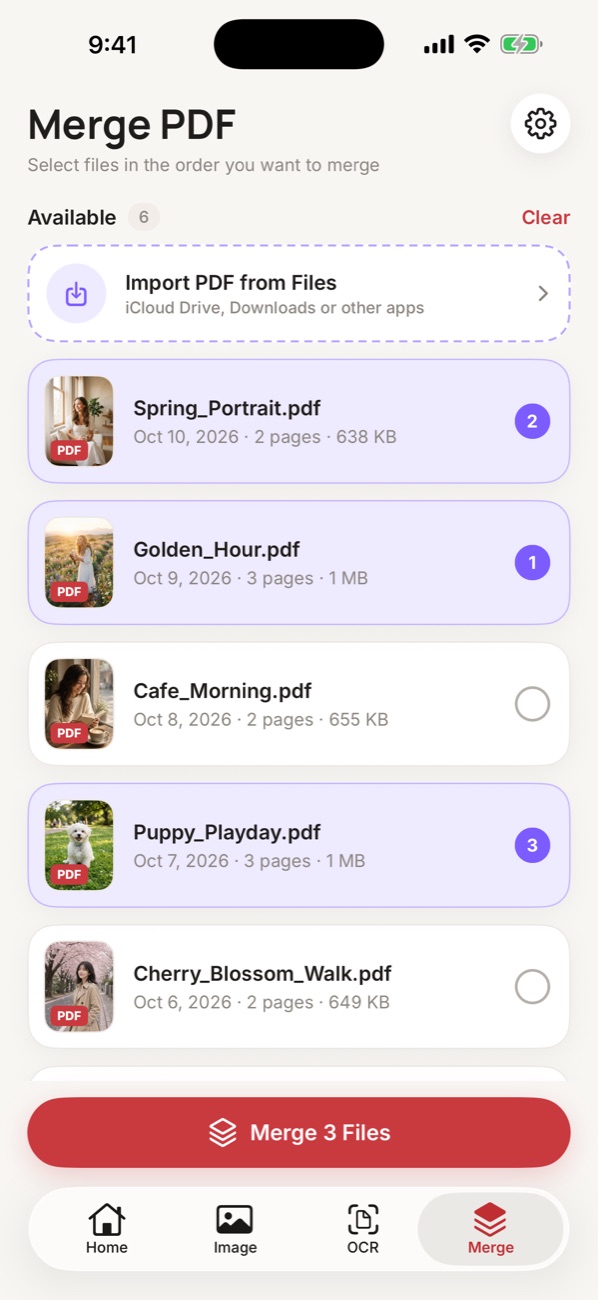
Select files in the order you want and combine them into a single PDF — great for applications and reports.
Import & Files
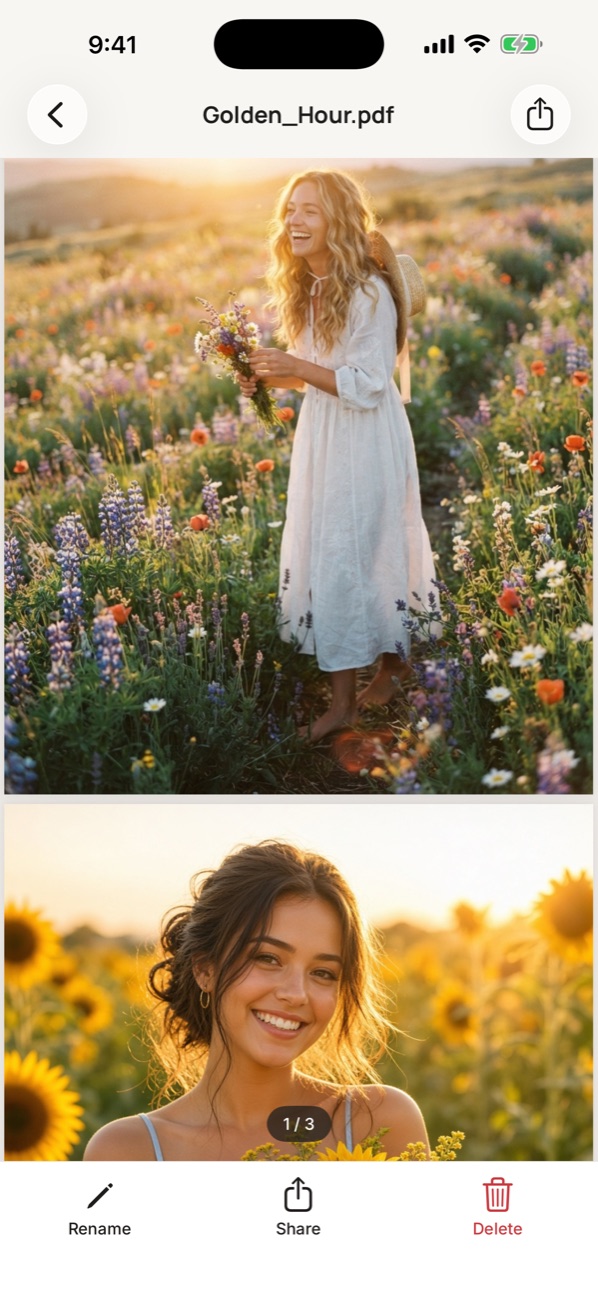
Import PDFs from iCloud Drive or other apps, and find everything you create in the Files app.
Simple by design
A calm, focused interface that stays out of your way.
Your documents stay on your iPhone.
PDF Maker processes everything on your device. We don't run servers that receive your files, and we don't collect personal data.
Read the Privacy Policy →- No account or sign-up
- No ads, analytics or tracking
- Text recognition runs on-device
- Files are stored only in the app and the Files app